Build a Production AI Agent in Python
A self-paced course for intermediate Python developers. You build Expense AI Agent, a real app with structured outputs, function calling, a Telegram bot, a web dashboard, 150+ tests and a Docker deployment. You learn the engineering around the LLM call: code you can test, change models in and extend.
Course trailer: AI writes the code. You bring the judgment.
See the plans Try 10 free exercises
What you build
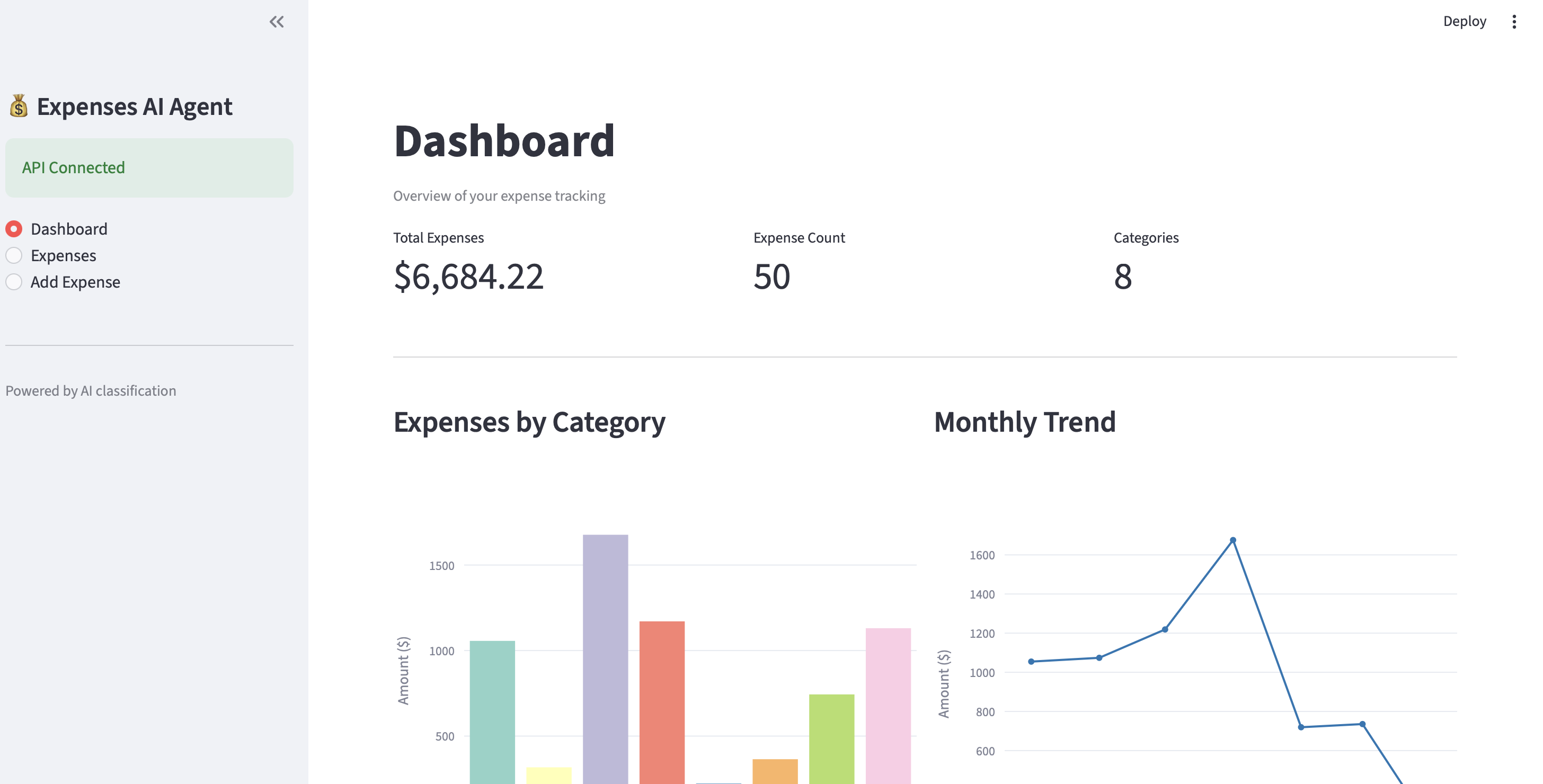
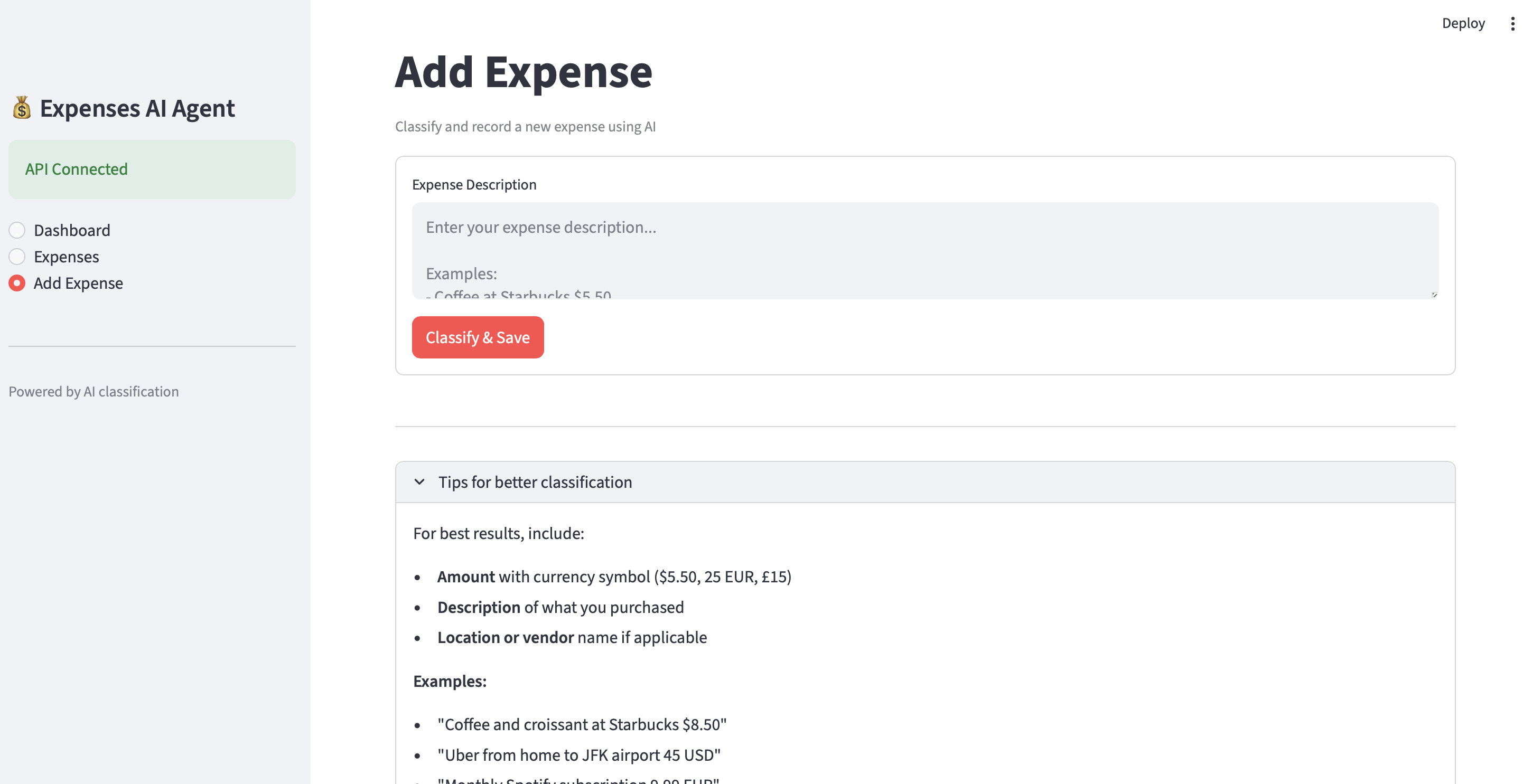
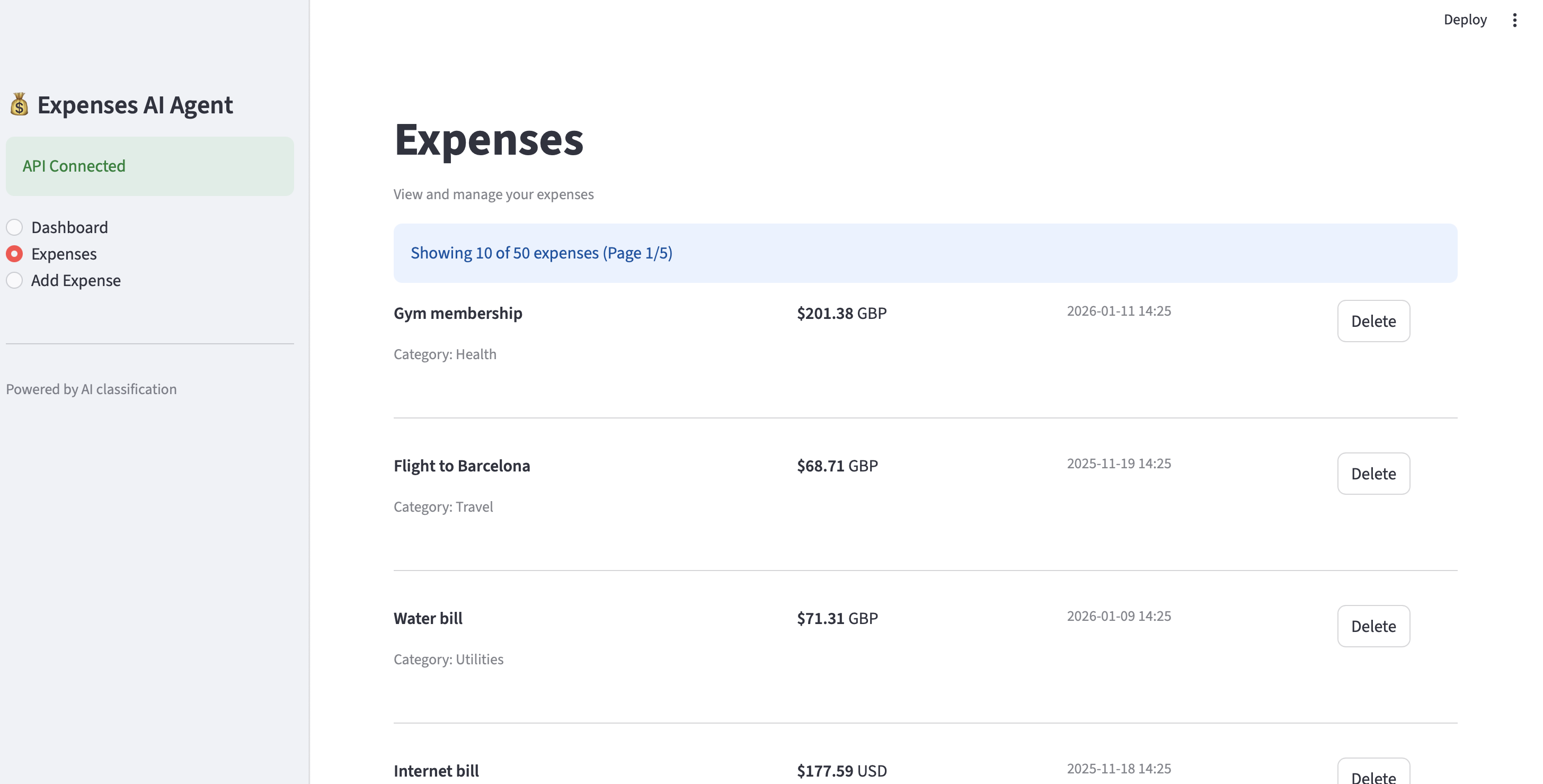
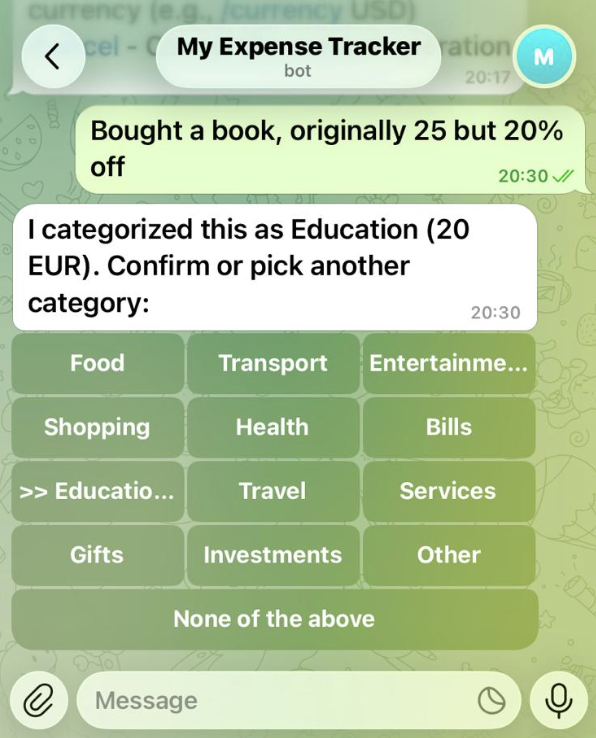
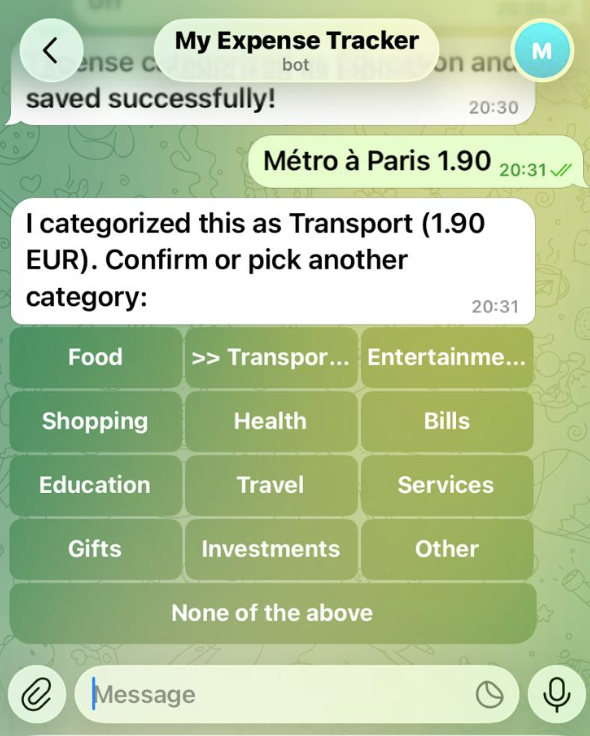
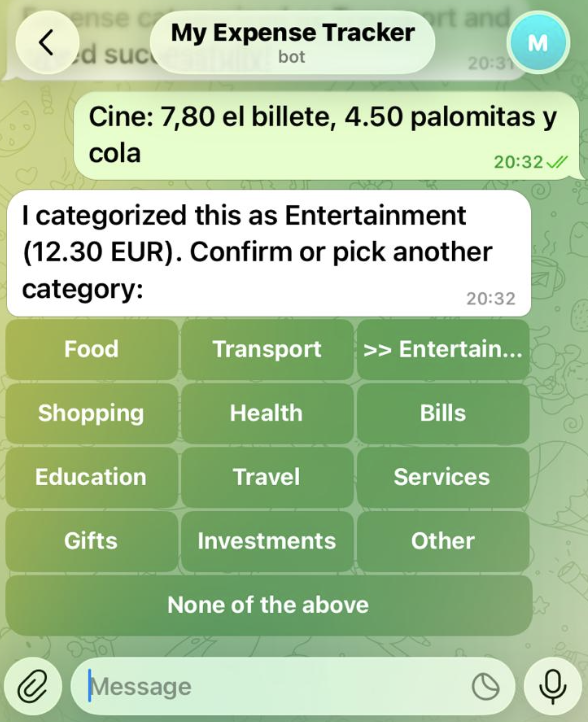
One agent, three interfaces: a CLI, a Telegram bot that asks you to confirm or correct each category, and a FastAPI backend with a Streamlit dashboard.
How it works
Each week gives you lessons and a complete pytest suite that starts red. You write the code until it's green, then check it with ruff and ty. Done is objective: pytest exits 0.
- Scaffolding: repository pattern, SQLModel,
StrEnum. - LLM integration: a Protocol for swappable providers, Pydantic structured outputs, function calling.
- Service layer and CLI: prompts, one service shared by every interface, Typer and Rich.
- Telegram bot: conversation state and human-in-the-loop confirmation.
- Web: FastAPI with dependency injection, a Streamlit dashboard.
- Ship: Docker, GitHub Actions, a 95% coverage gate.
Stack: Python 3.12, uv, SQLModel, Pydantic, OpenAI, Typer, python-telegram-bot, FastAPI, Streamlit, Docker, GitHub Actions. Plan on about 10 hours a week at that pace.
Use AI while you build. The tests keep you honest.
You'll use AI on this project, and you should. The 150+ tests don't care who wrote the code, only whether it does what an agent in production has to do: run against a fake model, ask a person to confirm each category, pass a 95% coverage gate. That's the difference between a demo ChatGPT helps you write and a system you can vouch for.
Plans
Course
€99 one-time
Build the agent yourself, guided by the tests.
- The six-week Expense AI Agent project
- Lessons as Markdown, PDF and EPUB
- 150+ pre-written tests that define done
- Setup, architecture and deployment docs
- Bonus: Bob's Claude Code setup (CLAUDE.md, skills, settings)
Recommended
Complete
€199 one-time
The answers, the agent week and the production layer.
Everything in Course, plus:
- The full reference solution and the reasoning behind it, unlocked after your last week so you build yours first
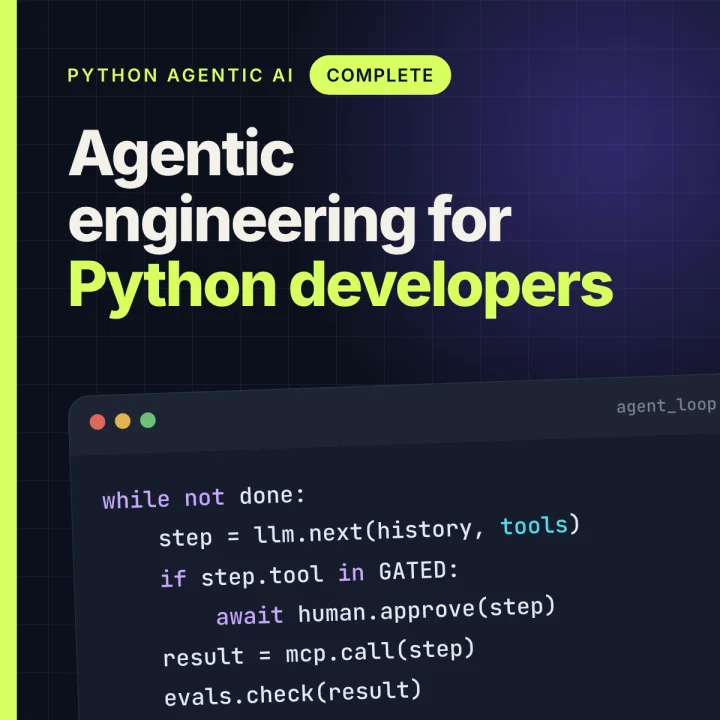
- Week 7: tool calling, an MCP server and your own agent loop
- 4 advanced exercises: tool gates, idempotent retries, eval gates, durable approvals
- 3 practical challenges with tests, plus project templates
- Guides on human-in-the-loop, evals, failure handling and deployment
- Code quality, testing and security checklists
Prices in euros, VAT included, paid once. No live calls, code review or individual support in either plan.
1:1 with Bob or Juanjo Want help building your own agent? The plans are self-paced. If you'd rather build an agent for your own project with Bob or Juanjo reviewing your code and design, book a call. We'll meet, see what you need and match you with the right one of us.What developers say
These developers built Expense AI Agent in our earlier coached program, which included live calls and code review.
"Through the 6 weeks of the program we built a production-ready Expense AI Agent, and Bob and Juanjo guided us through understanding and applying the patterns used by seniors in the industry." — Daniele E.
"The project was great. Even better was having experienced coaches walk me through end-to-end. Expert feedback pushing my edge and helping me get to the next level. Someone holding me accountable all the way through delivery." — James S.
"I learned stuff about pytest, I learned stuff about mocking, and I learned stuff about my own code." — Jeff Haemer, writing software since the early 1980s. Read his case study →

 Built by Bob Belderbos (13 years at Sun/Oracle, 150+ developers coached) and Juanjo Expósito (PhD engineer, Python & AI mentor)
Questions
Is this a subscription?
No. You pay once, in euros. Prices include VAT.
Can I get a refund?
Yes. Email bob@belderbos.dev within 14 days of purchase for a full refund, no questions asked. Details, including your right of withdrawal, are in the purchase terms.
How do I get the material?
After payment, you get access on learn.belderbos.dev. The project overview and Week 1 open right away; after that a new week opens at the pace you pick, every 2, 3, 5 or 7 days, so Week 6 arrives between day 10 and day 35. In Complete, Week 7, the advanced exercises, challenges and guides open with Week 6, and the reference solution once Week 6 is out and the 14-day refund window has passed. Each module has lessons you read online, on a Kindle (EPUB) or as a PDF, plus tests and code to download. Your access doesn't expire.
How should I work through it?
One module at a time, in order: get its tests green before you open the next. In Complete, the reference solution arrives with your last week, so you build your own version first; comparing the two is where most of the learning happens.
Do I get help from Bob and Juanjo?
No. Neither plan includes live calls, code review or individual support. The course is built to stand on its own: the tests tell you when you're done, and Complete includes our solution and the reasoning behind it. For 1:1 help on your own agent, book a call.
What else will I pay for?
OpenAI API usage, billed to your own account. For the whole course that's typically a few dollars. Telegram bots are free.
What do I need to know first?
Intermediate Python and Git. No AI or ML experience.
We need an agent built for our company.
That's a separate service: custom AI agent engineering.